Create the sale invoice
Select the customer and battery model. Confirm quantity, rate and discount before saving the invoice.
Create a sales invoice ↗︎
Nizam / Sales invoices
Customer ne battery aur rate confirm kar liya? Nizam mein sale invoice banayein, quantity aur amount verify karein, phir payment record karein. Sale, stock aur party account ka record alag registers mein dobara likhne ki zaroorat nahi.
Available for Windows and Android
Worked billing example, not a software screenshot
Inside Nizam
The Nizam Mobile sale screen lets you select a battery item, enter its quantity and price, and review the bill. The saved sale also updates the inventory record; receipts and outstanding balances can be reviewed against the customer account.
See the sales invoice guide ↗︎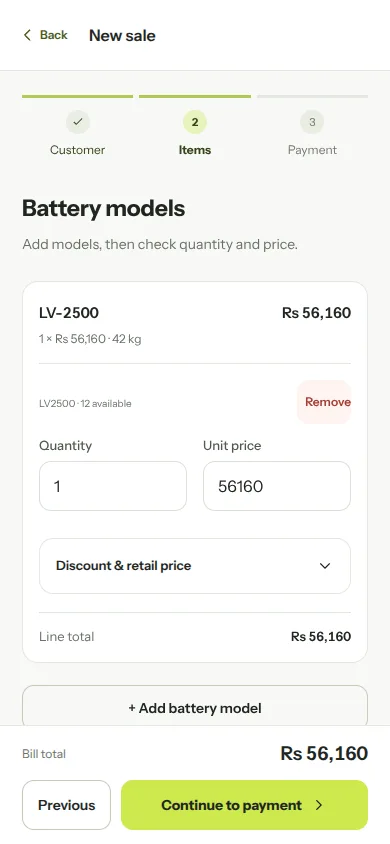
Yes. Review the item rate and discount, then use the agreed net price on the invoice when required.
Record the receipt and review the unpaid amount in the party account. The invoice remains part of the sales history.
Create a battery invoice, check the stock movement and keep the payment in the customer account.