Set up the model
Create the brand and item, then enter the opening quantity and inventory value if the shop already holds stock.
Enter opening stock ↗︎
Nizam / Battery inventory
When a dealer asks for two batteries, check the model, quantity and agreed rate in Nizam. Saving the invoice updates the stock you can promise the next customer.
Available for Windows and Android
Inside Nizam
In Nizam Mobile, select the battery model, check availability and enter the quantity and unit price. If you agreed a special rate, enter it on the invoice.
Explore the Android app ↗︎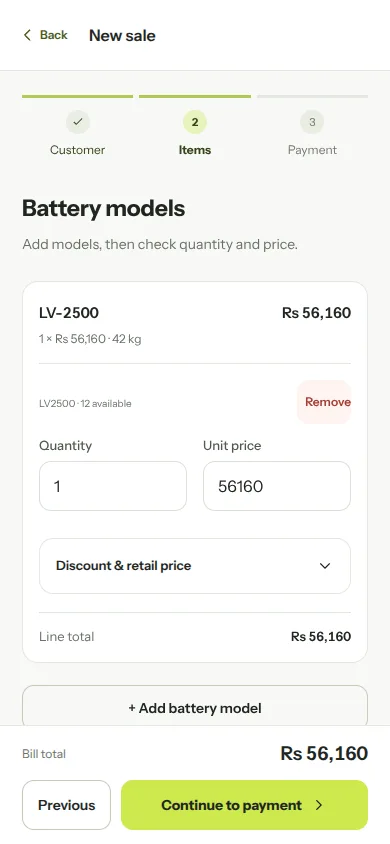
Yes. When setting up the item, record the opening quantity and inventory value so the register starts with the stock you already hold.
Open the item ledger and trace the movement to a purchase, sale or adjustment. The stock summary gives you the current quantity by item.
Add your first model and opening stock, then follow it through the next sale.